Real-time Collaboration (Multiplayer Text Editor)
Let's see how you can add Multiplayer capabilities to your BlockNote setup, and allow real-time collaboration between users (similar to Google Docs):
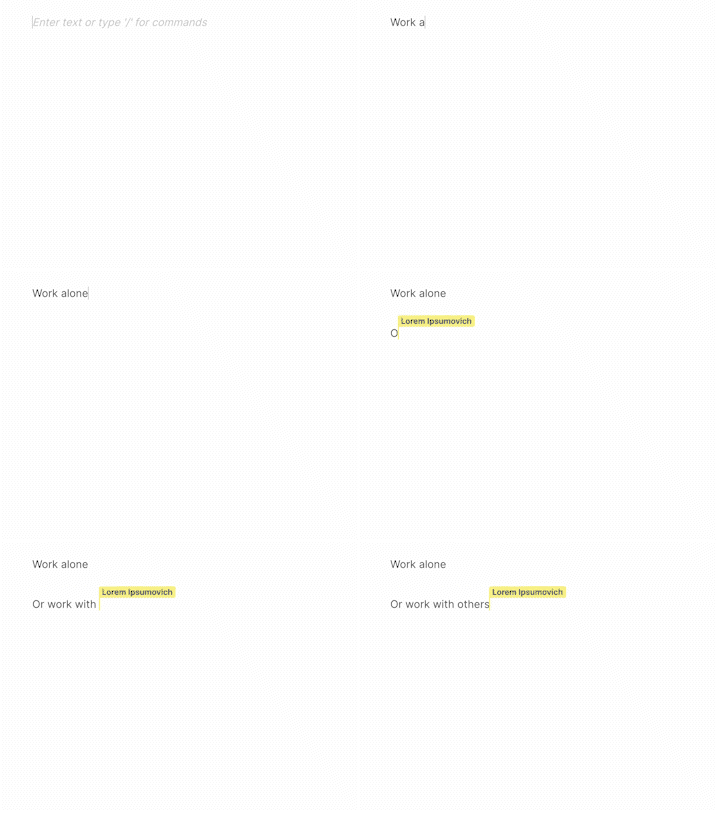
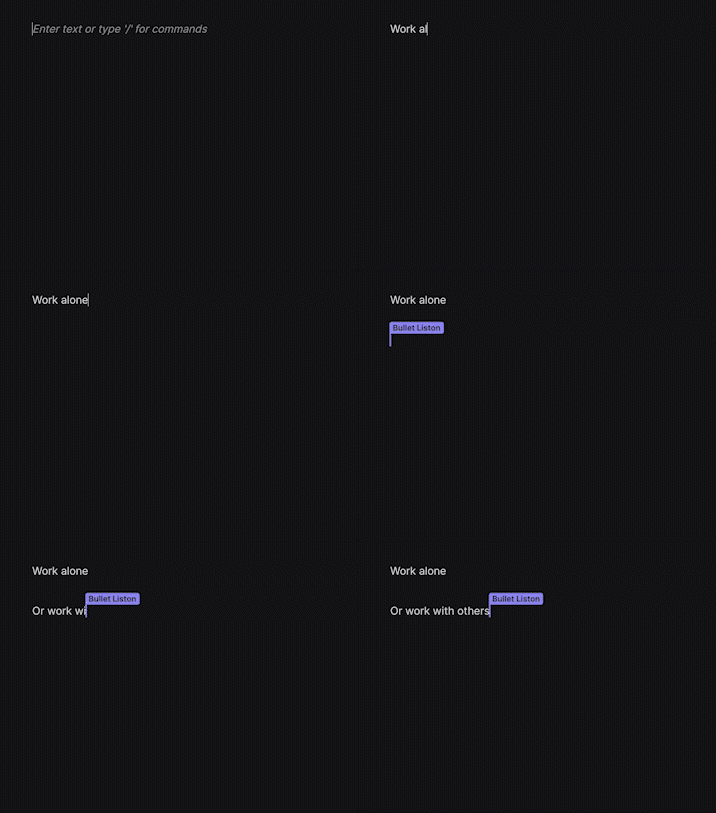
Try the live demo on the homepage
BlockNote uses Yjs for this, and you can set it up with the withCollaboration helper:
import * as Y from "yjs";
import { WebrtcProvider } from "y-webrtc";
import { withCollaboration } from "@blocknote/core/yjs";
// ...

const doc = new Y.Doc();

const provider = new WebrtcProvider("my-document-id", doc); // setup a yjs provider (explained below)
const editor = useCreateBlockNote(
  withCollaboration({
    // ...
    collaboration: {
      // The Yjs Provider responsible for transporting updates:
      provider,
      // Where to store BlockNote data in the Y.Doc:
      fragment: doc.getXmlFragment("document-store"),
      // Information (name and color) for this user:
      user: {
        name: "My Username",
        color: "#ff0000",
      },
      // When to show user labels on the collaboration cursor. Set by default to
      // "activity" (show when the cursor moves), but can also be set to "always".
      showCursorLabels: "activity",
    },
    // ...
  }),
);
The withCollaboration function accepts all the regular editor options along with a collaboration property, and configures your editor for real-time collaboration.
Yjs Providers
When a user edits the document, an incremental change (or "update") is captured and can be shared between users of your app. You can share these updates by setting up a Yjs Provider. In the snipped above, we use y-webrtc which shares updates over WebRTC (and BroadcastChannel), but you might be interested in different providers for production-ready use cases.
- Liveblocks A fully hosted WebSocket infrastructure and persisted data store for Yjs documents. Includes webhooks, REST API, and browser DevTools, all for Yjs
- PartyKit A serverless provider that runs on Cloudflare
- Y-Sweet An open-source provider that runs fully managed on Jamsocket or self-hosted in your own cloud
- Hocuspocus open source and extensible Node.js server with pluggable storage (scales with Redis)
- y-websocket provider that you can connect to your own websocket server
- y-indexeddb for offline storage
- y-webrtc transmits updates over WebRTC
- Matrix-CRDT syncs updates over Matrix (experimental)
- Nostr-CRDT syncs updates over Nostr (experimental)
Liveblocks
Liveblocks provides a hosted back-end for Yjs. You can create a fully-featured example project which uses Liveblocks with BlockNote by running the command below (you will need a Liveblocks account for this):
npx create-liveblocks-app@latest --example nextjs-blocknote --api-keyYou can also try the same example in a live demo.
For a simpler demo, check out this example, which follows their getting started guide.
If you want more info on integrating Liveblocks, take a look at their ready-made features for BlockNote and API reference.
Partykit
For development purposes, you can use our Partykit server to test collaborative features. Replace the WebrtcProvider provider in the example below with a YPartyKitProvider:
// npm install y-partykit
import YPartyKitProvider from "y-partykit/provider";

const provider = new YPartyKitProvider(
  "blocknote-dev.yousefed.partykit.dev",
  // use a unique name as a "room" for your application:
  "your-project-name",
  doc,
);
To learn how to set up your own development / production servers, check out the PartyKit docs and the BlockNote + Partykit example.